How to Build a Simple AI App Without a Technical Background
Generative AI tools have become surprisingly accessible. Many professionals who do not write code assume that building their own AI application requires months of study. In practice, a non-technical person can create a working prototype in a short time with the right approach. This article walks through the practical steps to turn an idea into a simple generative AI application, focusing on what to watch at each stage.
Start with a clear, small problem
The biggest mistake beginners make is trying to solve too much at once. An AI app that answers customer questions, writes marketing copy, and analyses sentiment is three apps in one. Pick a single task that you understand well enough to describe in a few sentences. For example, a tool that drafts replies to common client emails or one that generates short product descriptions from a few keywords. The narrower the scope, the easier it will be to test and improve.
Before you write a line of prompt logic, write down what the app should accept as input and what it should return as output. This becomes your application prototype. Keep it on paper or a shared document. Share it with a colleague and ask if the description makes sense. If you cannot explain the app in two sentences, the problem is probably not small enough yet.
Choose the right tool for the job
Several platforms now let you build AI apps by connecting blocks or writing short instructions rather than code. Look for tools that offer a visual interface for building an app workflow. These platforms handle the underlying model calls and hosting so you can focus on the logic. Some popular options include no-code AI builders, custom GPTs within existing chat products, and low-code environments that still require minimal technical knowledge.
For a first project, select a platform that provides a free tier or a trial period. Check the documentation for sample projects similar to yours. Pay attention to the platform's rate limits and output quality. Some platforms restrict the number of requests per day or the length of the generated text. That might be fine for a prototype but could limit deployment to real users.
Design the user interface last
It is tempting to start with a nice looking form or chat window. However, the core value of your app lies in the prompt logic and the data flow. Begin with a simple text input, such as a command line or a basic web form. Many no-code tools include pre-built user interface components you can drag into place. Keep the interface minimal: a text box, a button, and an output area. You can polish the look later once the logic works.
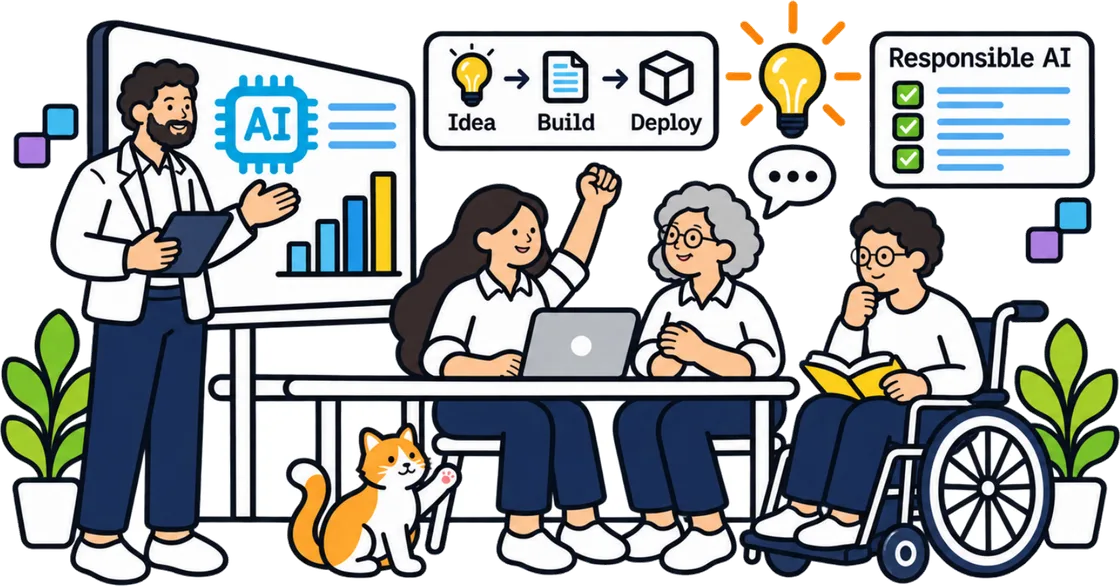
What to watch: every element you add to the interface is something that can break. A dropdown with too many options or a checkbox that triggers a different prompt path can introduce bugs. Start with one input and one output. Once that path works reliably, add one more feature at a time.
Write clear prompt logic
The heart of a generative AI app is the instruction you give the model, often called the system prompt. Write it in plain English as if you were explaining the task to a new colleague. Include the format you want for the output, the tone, and any constraints. For example, if you want a response in bullet points, say so. If the app should avoid certain topics, state that explicitly.
Test the prompt on the platform's playground or chat interface before you build it into the app. Adjust the wording until the results match what you expect. This step often takes several rounds. Do not expect the first version to be perfect. Each iteration teaches you something about how the model interprets your instructions.
Once the prompt works well, save it as a template. In many platforms you can store multiple prompt versions and switch between them with a simple toggle. That makes it easy to compare results or revert to an earlier version if a change makes things worse.
Test with real scenarios
A prototype that works on your test inputs may fail on real data. Gather a handful of actual inputs from your work, anonymised if needed. Run each one through the app and note where the output is wrong, incomplete, or off tone. Pay special attention to edge cases: very short inputs, very long inputs, inputs with typos, or inputs that mix languages.
This is also the stage to check for obvious bias or harmful output. If the app generates content that could be misleading or offensive, adjust the prompt logic to guard against it. Some platforms let you add a second prompt that checks the output before it reaches the user. That is a good safety net for a production app.

The phrase "training for simple AI prototypes" fits naturally here because this testing phase is exactly the kind of hands-on practice that helps non-technical professionals gain confidence. Structured training for simple AI prototypes often emphasises iterative testing with real data rather than abstract theory.
Deploy the prototype
Deployment sounds technical, but many no-code platforms include a one-click publish option. You get a public URL or an embed code that you can share with a small group of testers. Before you publish, check the platform's privacy settings. Some tools make your prompts and data visible to the platform provider unless you opt out. For a prototype with sensitive information, consider running it on a local version or a self-hosted solution.
What to watch: deployment can expose performance issues. The app might respond slowly if many people use it at once. The platform might change its terms or pricing after you publish. Keep a backup of your prompt logic and app configuration in a separate document. That way you can rebuild the app on another platform if needed.
Gather feedback and iterate
Share the deployed prototype with five to ten colleagues who match your target users. Ask them to try the app without giving them instructions. Watch where they pause or get confused. Ask them to describe what the app does in their own words. If their description does not match your intention, the interface or the output needs clearer guidance.
Collect the feedback in a simple list. Sort it by how often each issue appears. Fix the most common problems first. Then share the updated version with the same group. This loop of building, testing, and refining is the core of effective training for simple AI prototypes. It turns a rough idea into something genuinely useful.
Plan for the next version
Once the prototype works reliably, think about what would make it ready for wider use. Do you need a custom user interface that matches your company's branding? Should the app remember previous conversations? Would it help to connect the app to a database or a spreadsheet? Each of these additions makes the app more powerful but also more complex. Add them one at a time and test each addition thoroughly.
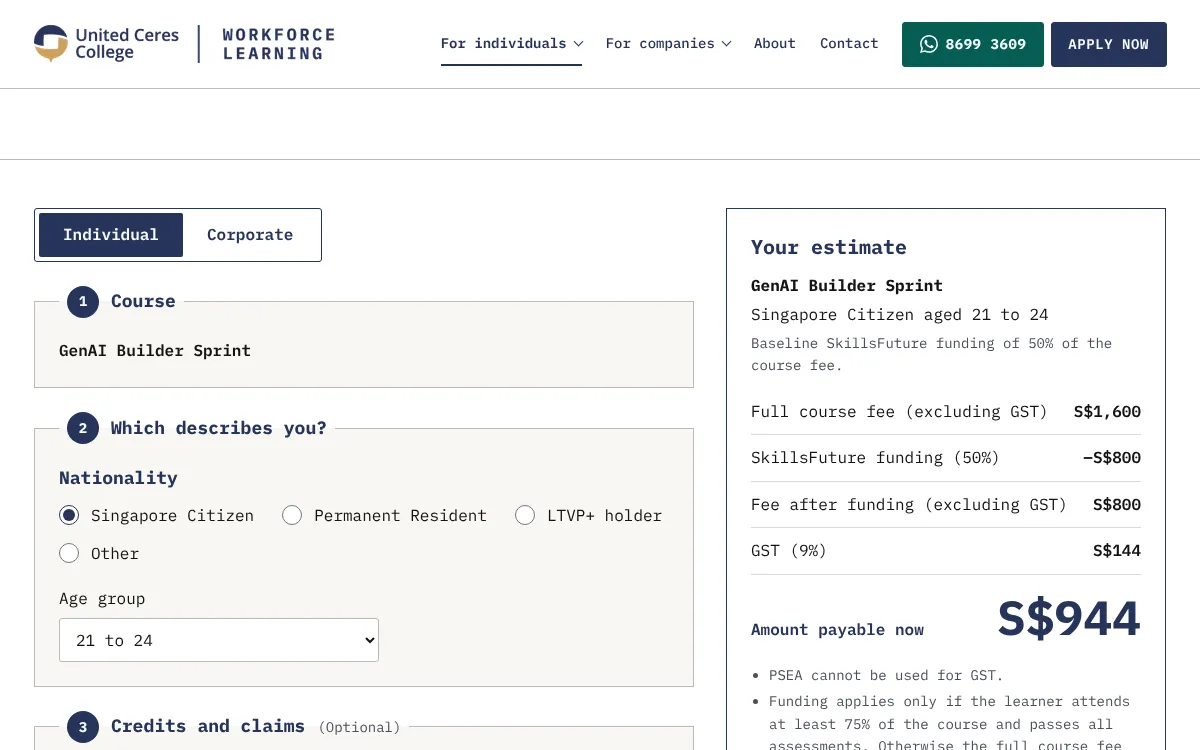
Consider also the software requirements for a production version. Some platforms impose limits on the number of API calls or the length of conversations. If your prototype needs more capacity, you may need to switch to a paid plan or move to a different platform. Document these requirements early so you can budget for them.
Building a simple AI app without a technical background is entirely possible. The key is to start small, test often, and use the tools that abstract away the coding complexity. With a few days of focused work, anyone who understands a business problem can create a working prototype that delivers real value. The skills you develop along the way, especially in prompt logic and iterative testing, will serve you well as the field evolves.